
Sit-i Pro: movement on screen.
Compare seat movement during an agreed task.
What does it record?
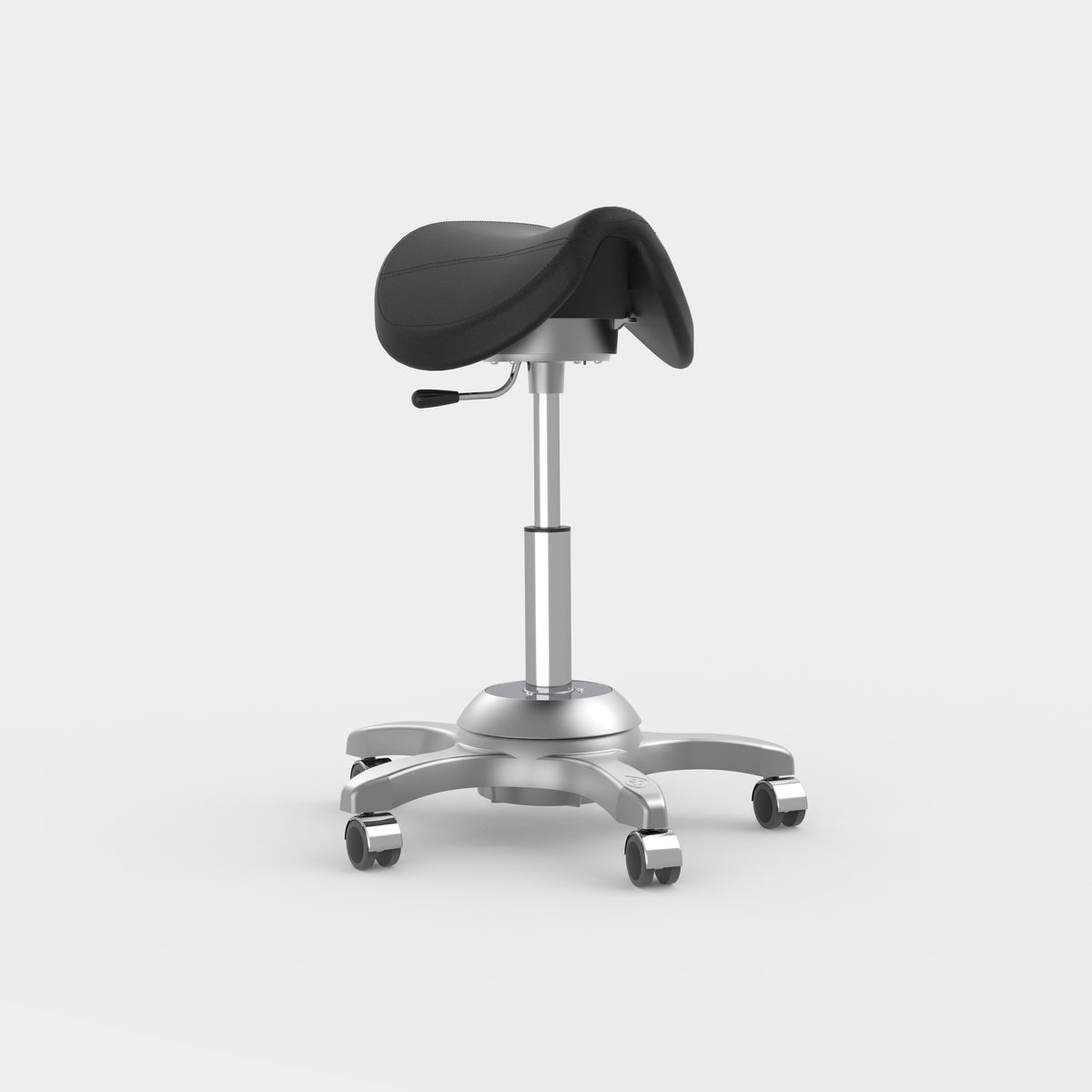
Sit-i Pro records rotation and tilt of the seat. The 0° line is a measurement reference, set by calibrating Sit-i. Use this reference to observe and compare movement during a defined task.
Direction
The direction in which the seat moves.
Rotation
Subtle rotation around the axis of motion.
Left and Right
Differences between the two directions of motion.
Change
Compare movements within the same session.
Sensors and mechanism
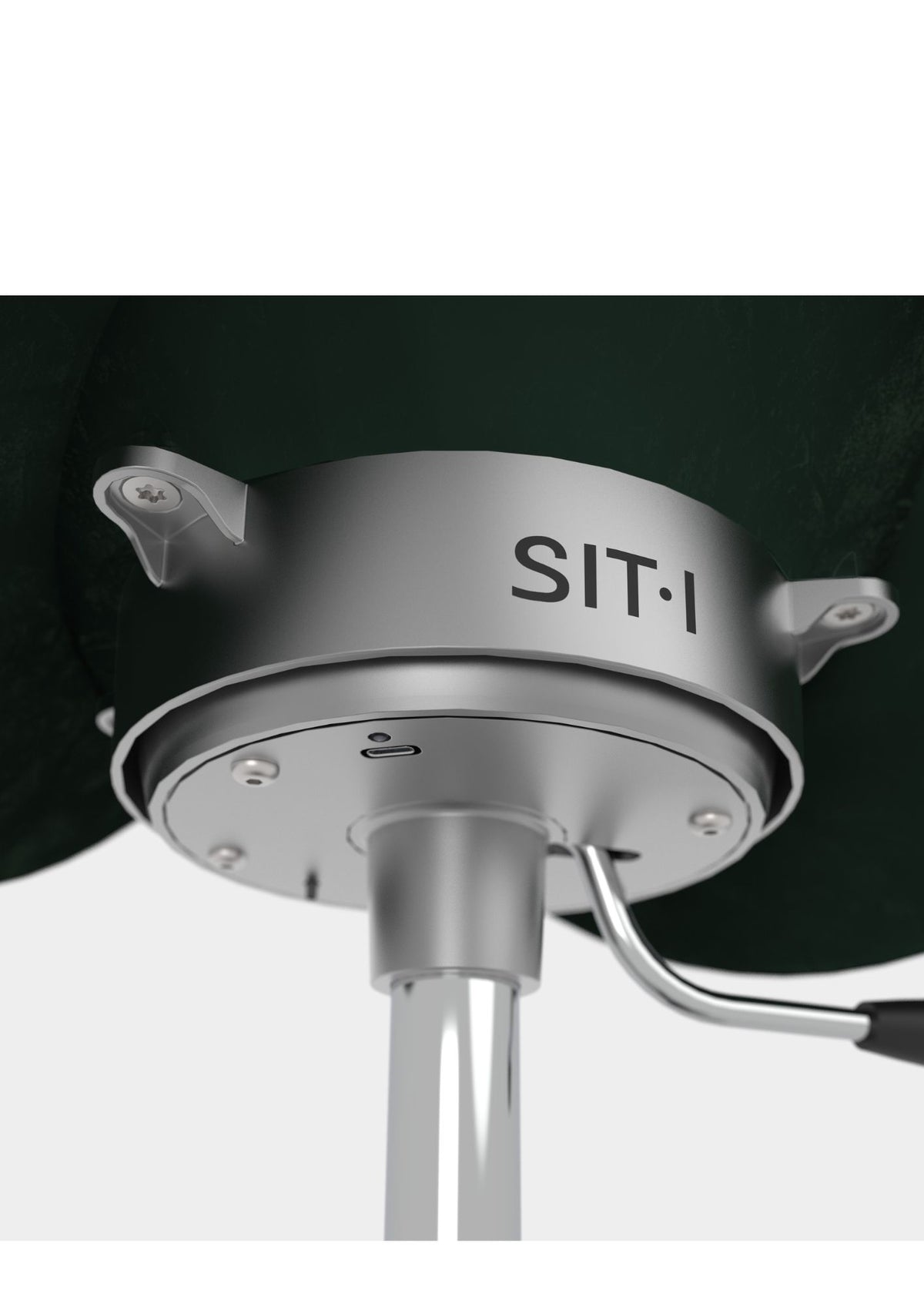
The sensors are located in the system directly beneath the pelvis.
 Top UnitAllows movement directly beneath the pelvis.View Top Unit →
 Penthapod®Forms the stable five-point base.View Penthapod® →
 Sit-i ProRecords direction and angle changes.
What do you see?
The software shows rotation and tilt. Compare left and right within the same session and see what changes when you perform a movement differently.
How do you use it?
The professional interprets body movement and relates the measurements to observations, the person’s experience and the context.
A measurement reference does not automatically indicate an ideal posture. In Flow Analyst, you learn how to help yourself and clients adopt a neutral starting position. You interpret the seat’s movement alongside observations, the person’s experience and the context.
Sit-i Pro records movement of the seat. The information is intended to complement professional observation and does not constitute a medical diagnosis on its own.

What do you need?
You use Athlete · Pro or Care · Pro with Sit-i Pro software on Windows 11. Basic functions are included at no additional licence cost.
Discuss Sit-i Pro for your application.
Tell us which task or movement you would like to explore.